
VMOS Pro Mod APK – Run Dual Android Systems on One Device
v3.1.2
January 20, 2026
Tools
JaxDeveloper
Android 5.1+
42.6 MB
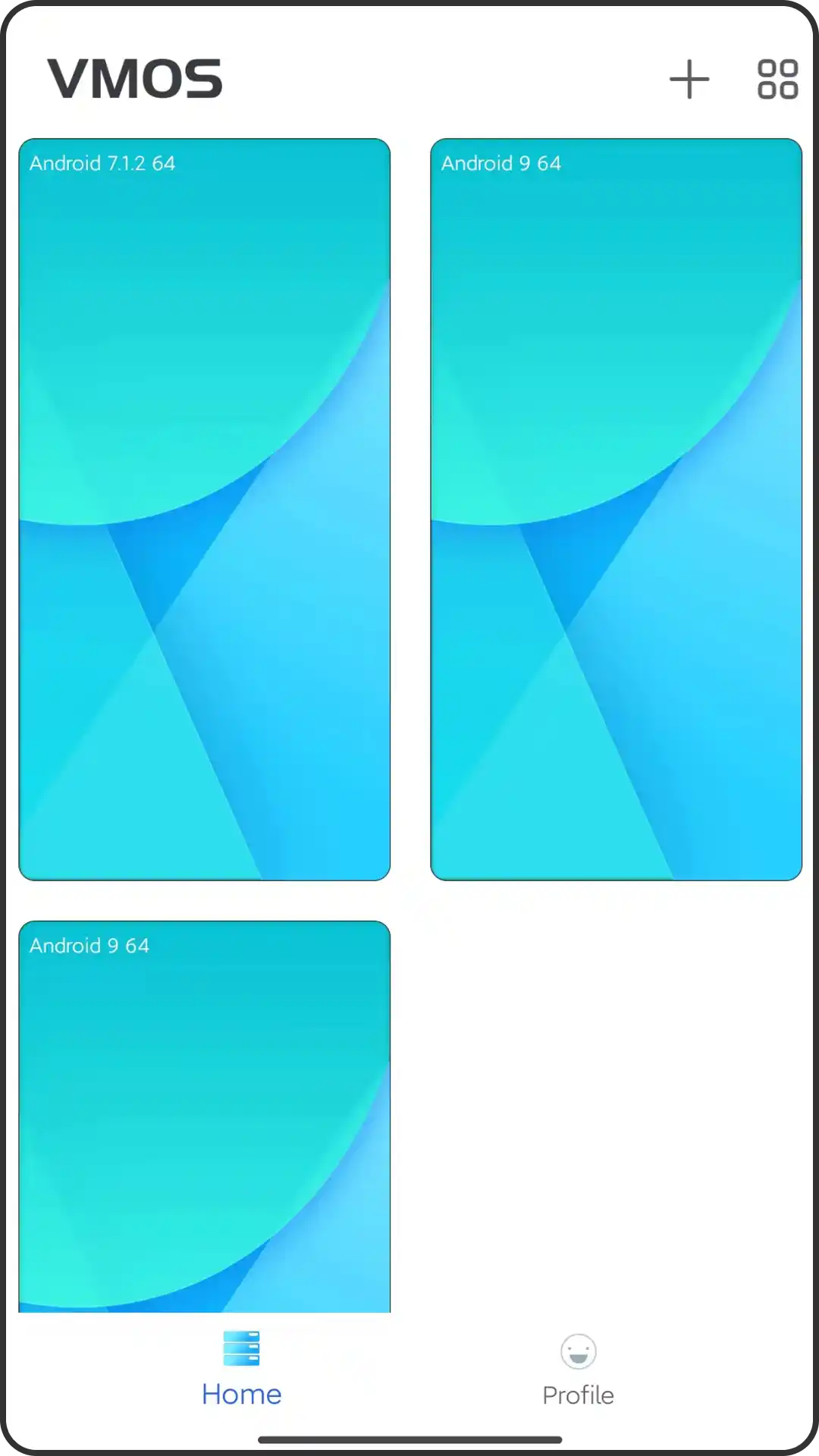
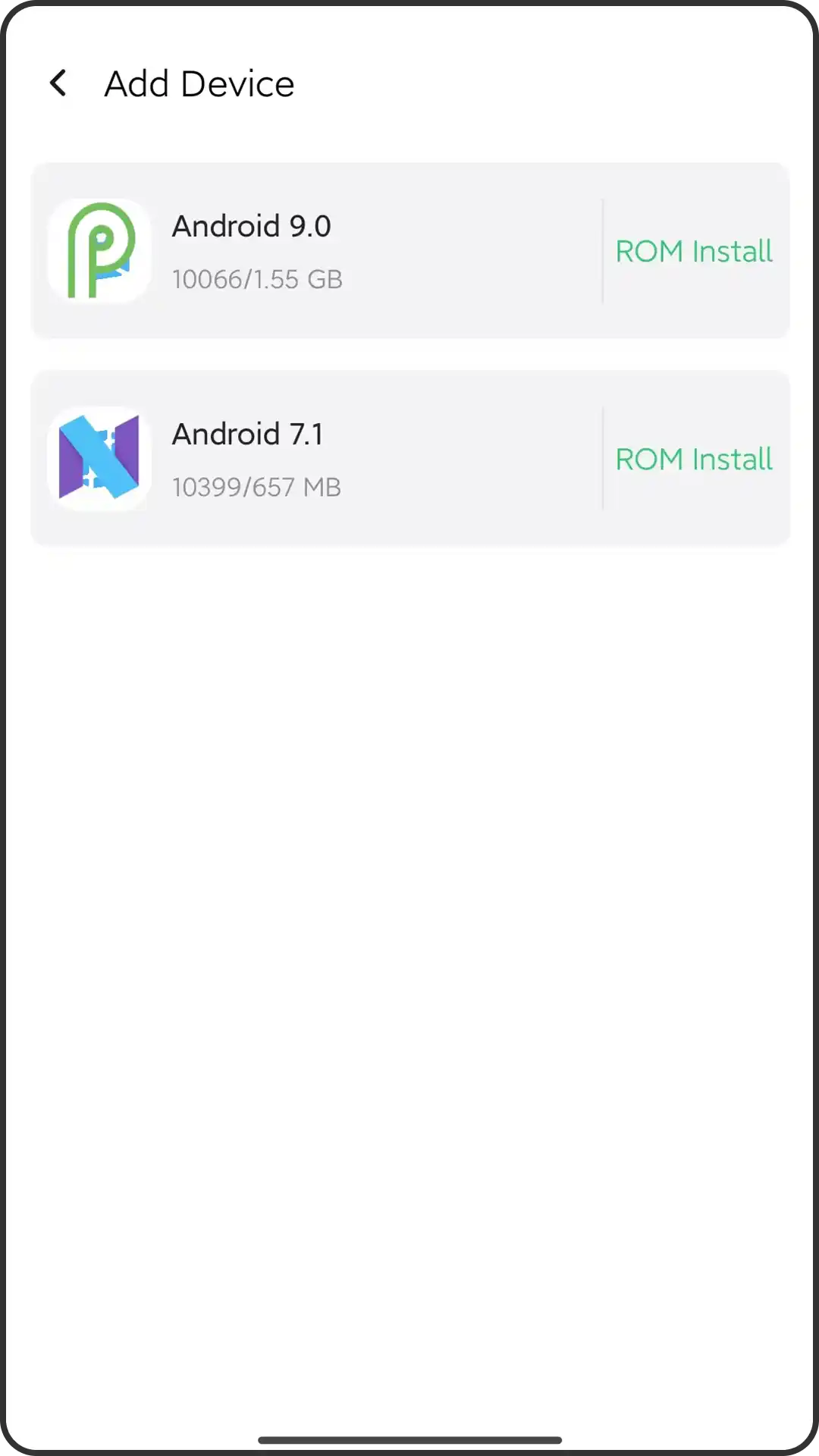
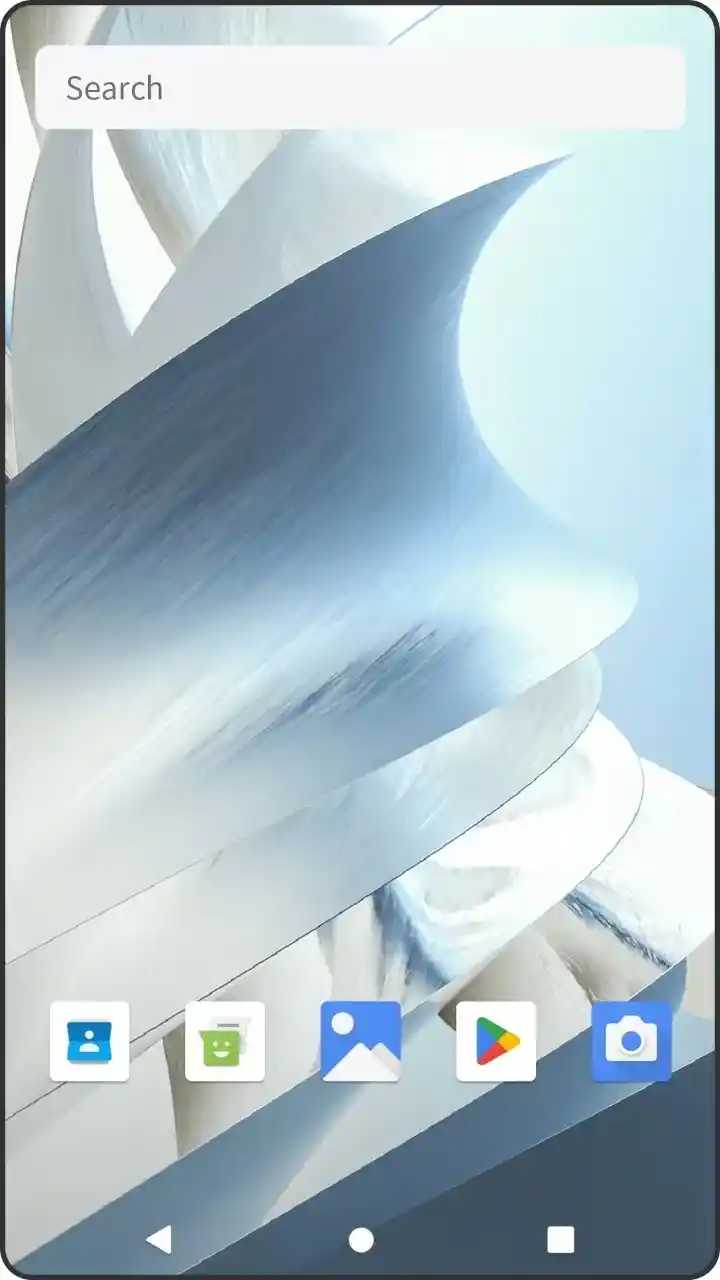
Stuck with one Android system when you need two? VMOS Pro APK solves this by creating a complete virtual Android environment inside your phone, no rooting required.
Whether you’re testing apps safely, running multiple game accounts, or experimenting with system-level modifications, this virtualization tool gives you a sandboxed playground. The modded version unlocks premium features like root access, custom ROM support, and unlimited virtual machines without subscription fees.
Over 10 million users trust VMOS for app development, privacy testing, and gaming automation. Here’s everything you need to know before downloading.
What Makes VMOS Different from Other Virtual Machines?
VMOS creates a genuine Android operating system within your existing phone, not just an app cloner.
Unlike standard dual-space apps that only duplicate applications, VMOS runs a complete virtualized Android environment with its own kernel, file system, and settings. You get full control over the guest OS, including root privileges and custom ROM installations, while keeping your primary system untouched.
Key distinctions:
- True virtualization: Runs actual Android 5.1 or 7.1 systems, not app containers
- Root access built-in: No complex rooting procedures needed for the virtual system
- Hardware acceleration: Uses your phone’s GPU for smooth performance
- Isolated environment: Apps in VMOS can’t access your main system’s data
- Development-ready: Perfect for testing apps before publishing
The standard version limits you to one virtual machine. VMOS Pro APK removes these restrictions entirely.
Core Features You’ll Actually Use
VMOS packs professional-grade virtualization into a mobile app.
System Capabilities:
- Complete Android 5.1.1 and 7.1.2 environments pre-installed
- Dedicated RAM allocation (customizable up to 2GB)
- Internal storage management with expansion options
- Google Play Services integration for app compatibility
- Window mode and floating window support
Privacy & Security Tools:
- GPS location spoofing with custom coordinates
- IMEI modification for device fingerprint changes
- Separate Google account login without affecting main device
- File transfer between host and guest systems
- Screenshot and screen recording within virtual environment
Developer Features:
- ADB debugging access for virtual system
- Custom recovery installation (TWRP supported)
- Xposed Framework compatibility
- APK installation from external sources
- System-level permission testing
Real-world example: A mobile app developer uses VMOS to test how their app behaves with different Android versions and hardware configurations—without needing multiple physical devices.
What’s Unlocked in VMOS Pro APK?
The modded version removes paywalls and limitations.
Premium Features Activated:
- Unlimited virtual machines: Create multiple Android instances simultaneously
- No ads: Clean interface without interruptions
- Enhanced performance: Optimized resource allocation
- All ROMs unlocked: Access to custom Android distributions
- Priority updates: Latest features before public release
Additional Mod Benefits:
- Root permissions enabled by default in all virtual systems
- Extended RAM support (up to 4GB on compatible devices)
- Background operation without automatic suspension
- Advanced networking options for VPN and proxy testing
- Removed 30-day trial restrictions
The official Pro subscription costs $29.99/year. This modded APK provides permanent access without recurring payments.
How to Download and Install VMOS Mod APK Safely
Getting VMOS Pro running takes about 5 minutes.
Pre-installation checklist:
- Android 5.0 or higher (Android 7.0+ recommended)
- Minimum 3GB RAM (4GB+ for optimal performance)
- 2GB free storage space
- Unknown sources enabled in security settings
Installation steps:
- Download the latest VMOS Pro APK from a trusted source
- Locate the file in your Downloads folder
- Tap to install and grant necessary permissions
- Launch VMOS and select your preferred virtual Android version
- Wait 3-5 minutes for initial system setup
First-time setup tip: Allocate at least 1.5GB RAM to the virtual machine for smooth multitasking. You can adjust this in VMOS settings under “Virtual Machine Configuration.”
After installation, you’ll see the VMOS desktop—a complete Android interface ready for customization.
VMOS vs Standard App Cloners: Which Works Better?
Not all dual-space solutions offer true isolation.
| Feature | VMOS Pro | App Cloners | Parallel Space |
|---|---|---|---|
| Full OS virtualization | ✅ Yes | ❌ No | ❌ No |
| Root access | ✅ Built-in | ❌ Requires device root | ❌ Not available |
| Custom ROM support | ✅ Yes | ❌ No | ❌ No |
| Hardware isolation | ✅ Complete | ⚠️ Partial | ⚠️ Partial |
| Performance impact | Moderate | Low | Low |
| Learning curve | Steeper | Easy | Easy |
Choose VMOS if you need:
- System-level modifications and testing
- Complete privacy separation
- Development and debugging tools
- Multiple Android versions on one device
Choose app cloners if you need:
- Just duplicate social media accounts
- Minimal resource usage
- Quick setup without technical knowledge
VMOS offers depth; app cloners offer convenience. For serious users, the extra control justifies the higher resource consumption.
Common Use Cases That Actually Make Sense
VMOS shines in specific scenarios.
For Mobile Gamers: Run multiple accounts in games like PUBG Mobile or Free Fire without switching devices. The isolated environment prevents anti-cheat systems from detecting dual instances. Bonus: Use game modifications and scripts safely without risking your main account.
For App Developers: Test applications across different Android versions instantly. Check how your app handles various permission systems, screen sizes, and hardware configurations. Debug issues specific to older Android versions without maintaining legacy devices.
For Privacy Enthusiasts: Install banking apps or sensitive software in VMOS to keep financial data separate from potentially compromised main systems. Use spoofed locations and device IDs for apps that collect excessive metadata.
For Automation Experts: Run task automation tools like MacroDroid or Tasker with root access. Schedule background processes without affecting main device battery life or performance.
One power user reported running automated social media management, game farming, and app testing simultaneously—something impossible with standard Android.
Performance Tips to Prevent Lag
VMOS demands resources—optimize intelligently.
Resource allocation strategies:
- Assign 40-50% of total RAM to virtual machine (1.5-2GB sweet spot)
- Close background apps before launching VMOS
- Use Android 5.1 version for older devices (less demanding than 7.1)
- Disable animations in virtual system settings
- Clear VMOS cache weekly in app settings
Battery optimization:
- Enable battery saver mode when VMOS runs in background
- Restrict wake locks for unused virtual apps
- Schedule heavy tasks during charging periods
- Disable auto-sync for virtual Google account
Storage management:
- Install only essential apps in virtual environment
- Use external SD card for VMOS data if supported
- Compress virtual machine images monthly
- Delete unused ROMs and backups
On a mid-range device (Snapdragon 665, 4GB RAM), proper optimization keeps VMOS running smoothly for 3-4 hours of active use.
Security Considerations Before Installing
Modded APKs require extra caution.
What to verify:
- Download only from reputable APK sources with user reviews
- Check file hash against official sources if available
- Scan APK with VirusTotal before installation
- Read permission requests carefully during setup
- Avoid entering real credentials in untrusted virtual apps
Safe usage practices:
- Don’t use virtual machine for online banking or payment apps
- Keep sensitive data isolated from VMOS environment
- Update to latest version regularly for security patches
- Monitor virtual machine network activity for suspicious connections
- Use VPN on main device when running VMOS for added privacy layer
Legal consideration: Using modded versions violates VMOS terms of service. While personal use typically goes uncontested, commercial deployment or redistribution may trigger legal action. Understand local laws regarding software modification.
The risk isn’t the virtual machine itselfit’s how you use it and where you download it from.
Troubleshooting Common VMOS Issues
Most problems have simple fixes.
“Virtual machine won’t start”
- Solution: Increase RAM allocation to minimum 1.5GB
- Alternative: Switch to Android 5.1 if using 7.1
“Apps crashing inside VMOS”
- Solution: Enable Google Play Services in virtual system
- Check: Ensure app compatibility with selected Android version
“Severe lag and freezing”
- Solution: Close all background apps on main device
- Optimization: Disable VMOS floating window feature
- Hardware check: Verify device has 3GB+ RAM
“Installation failed” error
- Solution: Enable “Install from Unknown Sources” in security settings
- Try: Uninstall previous VMOS version completely before installing mod
“Black screen after launch”
- Solution: Grant all app permissions, especially display overlay
- Alternative: Clear VMOS app data and reconfigure
For persistent issues, exporting virtual machine data, reinstalling VMOS, and importing data back resolves 90% of problems.
Is VMOS Worth It in 2026?
VMOS fills a genuine need for specific users.
If you’re a developer, privacy advocate, or multi-account gamer, VMOS provides functionality impossible with standard Android. The ability to run a completely separate operating system, with root access and custom ROMs that makes it irreplaceable for testing and experimentation.
However, casual users wanting simple app duplication will find it overkill. Resource demands mean older devices (pre-2020 with 3GB RAM or less) struggle to run VMOS smoothly.
Bottom line: VMOS Pro APK delivers professional virtualization at zero cost. The modded version eliminates subscription barriers while maintaining core functionality. Just understand the resource requirements and security implications before diving in.
For those who need what VMOS offers, nothing else comes close.
Key Takeaways
- VMOS creates true Android virtualization, not just app cloning—offering root access and complete system control
- The Pro APK unlocks unlimited virtual machines, all ROMs, and removes ads without subscription fees
- Requires minimum 3GB RAM and 2GB storage; optimal performance needs 4GB+ RAM on Android 7.0+
- Ideal for developers testing apps, gamers running multiple accounts, and privacy users isolating sensitive data
- Download only from trusted sources, scan files, and never use virtual systems for banking or financial apps









Leave a Reply